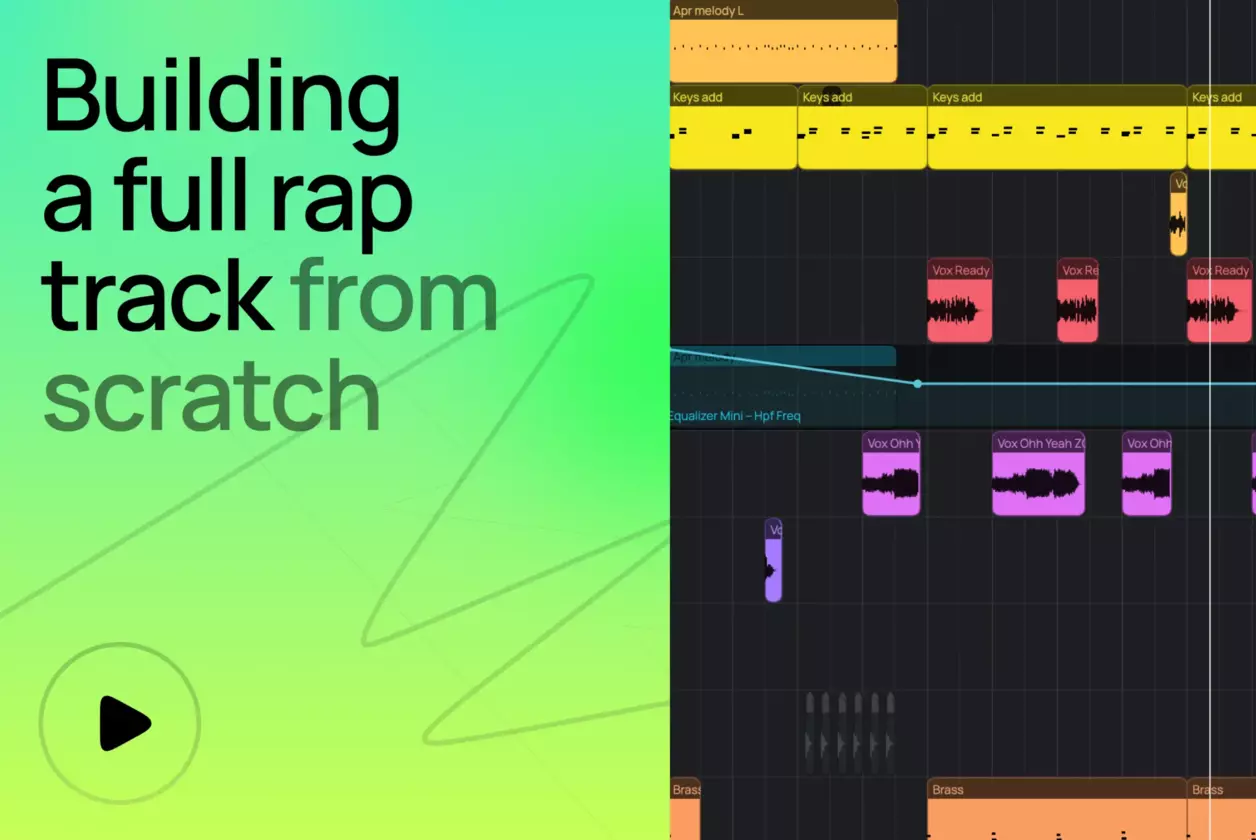
<turbo-stream action="append" target="articles_grid"><template><a class="relative flex flex-col justify-end pb-8 rounded-xl border border-amped-border overflow-hidden col-span-1 md:col-span-2 hover:opacity-95 transition bg-amped-black min-h-[380px] lg:min-h-[420px]" data-turbo="false" href="/nl/blog/how-to-make-a-rap-beat-in-your-browser/"><img alt="Zo maak je een rapsong in je browser" class="absolute inset-0 w-full h-full object-cover" loading="lazy" src="https://d2dsarr59elxj9.cloudfront.net/articles/how-to-make-a-rap-beat-in-your-browser/image_processing20260522-1-1d9arpo.webp" /><div class="absolute inset-0 bg-gradient-to-b from-transparent via-black/65 to-black"></div><div class="relative flex flex-col px-6 gap-y-4"><div class="flex flex-col gap-y-3"><div class="self-start inline-flex items-center justify-center px-2 rounded text-xs font-bold pt-1 pb-1.5 leading-[1.3] gap-2.5 text-[#F6723A] bg-[#462213]">Tutorial</div><h3 class="text-2xl font-semibold text-white line-clamp-3 leading-[1.3]">Zo maak je een rapsong in je browser</h3></div><p class="text-base line-clamp-2 text-white opacity-50 leading-[1.5]">Een rapbeat maken is eenvoudig met de juiste tools. Deze stapsgewijze handleiding helpt je bij het maken van een volledige rapbeat in Amped Studio - arrangeren, masteren en online exporteren.</p></div></a><a class="flex flex-col bg-white rounded-xl border border-amped-border overflow-hidden hover:opacity-90 transition" data-turbo="false" href="/nl/blog/song-recording/"><img onerror="this.onerror=null; this.src=&#39;https://static.ampedstudio.com/assets/projects/project-2bc6854ec0a1dc96655de945597a5c3571e4eb96c26cbb1d6917032eb52ca6ba.png&#39;;" alt="Hoe liedjes online opnemen: Een beginnersgids" class="w-full h-42 object-cover" loading="lazy" src="https://d2dsarr59elxj9.cloudfront.net/articles/song-recording/image_processing20251120-1-1py5fjc.webp" /><div class="flex flex-col pb-8 px-6 gap-y-4 pt-6"><div class="flex flex-col gap-y-3"><div class="self-start inline-flex items-center justify-center px-2 rounded text-xs font-bold pt-1 pb-1.5 leading-[1.3] gap-2.5 text-amped-orange bg-amped-orange/10">Tutorial</div><h3 class="text-2xl font-semibold text-amped-black line-clamp-3 leading-[1.3]">Hoe liedjes online opnemen: Een beginnersgids</h3></div><p class="text-base line-clamp-3 text-amped-black/50 leading-[1.5]">Ontdek hoe je Amped Studio gebruikt als liedjesrecorder in deze stap-voor-stap gids. Neem gratis liedjes online op in een krachtige online muziekstudio gebouwd voor makers.</p></div></a><a class="flex flex-col bg-white rounded-xl border border-amped-border overflow-hidden hover:opacity-90 transition" data-turbo="false" href="/nl/blog/ai-assistant/"><img onerror="this.onerror=null; this.src=&#39;https://static.ampedstudio.com/assets/projects/project-2bc6854ec0a1dc96655de945597a5c3571e4eb96c26cbb1d6917032eb52ca6ba.png&#39;;" alt="AI Assistent: Amped Studio&#39;s Multitrack AI Muziekgenerator Uitgelegd" class="w-full h-42 object-cover" loading="lazy" src="https://d2dsarr59elxj9.cloudfront.net/articles/ai-assistant/image_processing20251231-1-dnkn3g.webp" /><div class="flex flex-col pb-8 px-6 gap-y-4 pt-6"><div class="flex flex-col gap-y-3"><div class="self-start inline-flex items-center justify-center px-2 rounded text-xs font-bold pt-1 pb-1.5 leading-[1.3] gap-2.5 text-amped-orange bg-amped-orange/10">Tutorial</div><h3 class="text-2xl font-semibold text-amped-black line-clamp-3 leading-[1.3]">AI Assistent: Amped Studio&#39;s Multitrack AI Muziekgenerator Uitgelegd</h3></div><p class="text-base line-clamp-3 text-amped-black/50 leading-[1.5]">Amped Studio&#39;s AI Assistent genereert bewerkbare AI-stems direct in je browser. Gratis AI-muziekgenerator met multitrack-output. Creëer, bewerk, exporteer — geen downloads.</p></div></a><a class="flex flex-col bg-white rounded-xl border border-amped-border overflow-hidden hover:opacity-90 transition" data-turbo="false" href="/nl/blog/audio-normalization/"><img onerror="this.onerror=null; this.src=&#39;https://static.ampedstudio.com/assets/projects/project-2bc6854ec0a1dc96655de945597a5c3571e4eb96c26cbb1d6917032eb52ca6ba.png&#39;;" alt="Audionormalisatie" class="w-full h-42 object-cover" loading="lazy" src="https://d2dsarr59elxj9.cloudfront.net/articles/audio-normalization/image_processing20251224-1-losvy9.webp" /><div class="flex flex-col pb-8 px-6 gap-y-4 pt-6"><div class="flex flex-col gap-y-3"><div class="self-start inline-flex items-center justify-center px-2 rounded text-xs font-bold pt-1 pb-1.5 leading-[1.3] gap-2.5 text-amped-orange bg-amped-orange/10">Tutorial</div><h3 class="text-2xl font-semibold text-amped-black line-clamp-3 leading-[1.3]">Audionormalisatie</h3></div><p class="text-base line-clamp-3 text-amped-black/50 leading-[1.5]">Verander je stem in een synth of een drum met HumBeatz</p></div></a><a class="flex flex-col bg-white rounded-xl border border-amped-border overflow-hidden hover:opacity-90 transition" data-turbo="false" href="/nl/blog/what-is-harmony-in-music/"><img onerror="this.onerror=null; this.src=&#39;https://static.ampedstudio.com/assets/projects/project-2bc6854ec0a1dc96655de945597a5c3571e4eb96c26cbb1d6917032eb52ca6ba.png&#39;;" alt="Grondbeginselen Muziektheorie: Intervallen, toonladders en toonsoorten begrijpen" class="w-full h-42 object-cover" loading="lazy" src="https://d2dsarr59elxj9.cloudfront.net/articles/what-is-harmony-in-music/image_processing20251224-1-8u16tb.webp" /><div class="flex flex-col pb-8 px-6 gap-y-4 pt-6"><div class="flex flex-col gap-y-3"><div class="self-start inline-flex items-center justify-center px-2 rounded text-xs font-bold pt-1 pb-1.5 leading-[1.3] gap-2.5 text-amped-orange bg-amped-orange/10">Tutorial</div><h3 class="text-2xl font-semibold text-amped-black line-clamp-3 leading-[1.3]">Grondbeginselen Muziektheorie: Intervallen, toonladders en toonsoorten begrijpen</h3></div><p class="text-base line-clamp-3 text-amped-black/50 leading-[1.5]">De fundamentele eenheid van harmonie is het interval, dat gedefinieerd wordt als het verschil in halve tonen tussen twee muzieknoten.</p></div></a><a class="flex flex-col bg-white rounded-xl border border-amped-border overflow-hidden hover:opacity-90 transition" data-turbo="false" href="/nl/blog/how-to-use-vst-plugins-inside-amped-studio/"><img onerror="this.onerror=null; this.src=&#39;https://static.ampedstudio.com/assets/projects/project-2bc6854ec0a1dc96655de945597a5c3571e4eb96c26cbb1d6917032eb52ca6ba.png&#39;;" alt="Hoe gebruik je VST-plug-ins in Amped Studio" class="w-full h-42 object-cover" loading="lazy" src="https://d2dsarr59elxj9.cloudfront.net/articles/how-to-use-vst-plugins-inside-amped-studio/image_processing20260616-1-ifplls.webp" /><div class="flex flex-col pb-8 px-6 gap-y-4 pt-6"><div class="flex flex-col gap-y-3"><div class="self-start inline-flex items-center justify-center px-2 rounded text-xs font-bold pt-1 pb-1.5 leading-[1.3] gap-2.5 text-amped-orange bg-amped-orange/10">Tutorial</div><h3 class="text-2xl font-semibold text-amped-black line-clamp-3 leading-[1.3]">Hoe gebruik je VST-plug-ins in Amped Studio</h3></div><p class="text-base line-clamp-3 text-amped-black/50 leading-[1.5]">Leer online hoe je VST-plug-ins gebruikt met Amped Studio, de enige browser-DAW die VST ondersteunt. Stapsgewijze installatie van VST- en VST3-plug-ins op Windows en Mac.</p></div></a></template></turbo-stream><turbo-stream action="replace" target="load_more_button"><template><div class="flex justify-center mt-14" id="load_more_button"></div></template></turbo-stream>