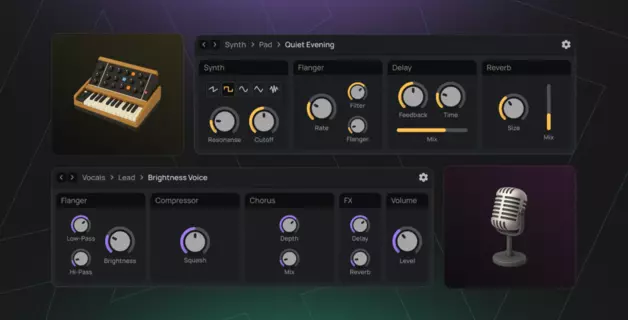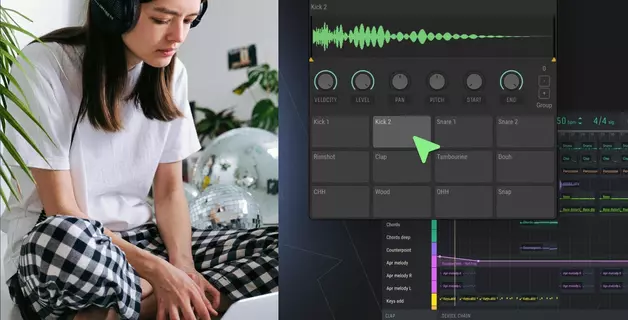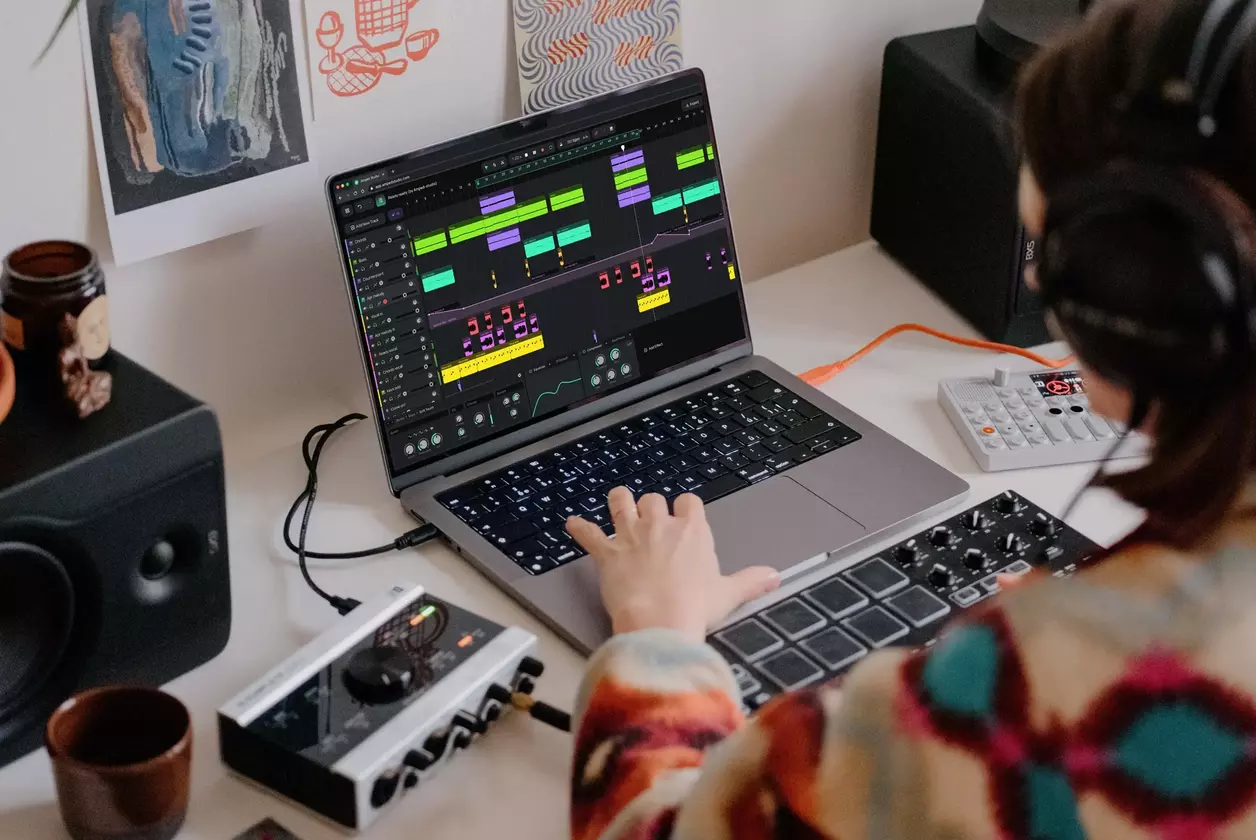
<turbo-stream action="append" target="articles_grid"><template><a class="relative flex flex-col justify-end pb-8 rounded-xl border border-amped-border overflow-hidden col-span-1 md:col-span-2 hover:opacity-95 transition bg-amped-black min-h-[380px] lg:min-h-[420px]" data-turbo="false" href="/de/blog/how-to-make-music/"><img alt="Musik machen für Einsteiger: Vom ersten Ton bis zum fertigen Track" class="absolute inset-0 w-full h-full object-cover" loading="lazy" src="https://d2dsarr59elxj9.cloudfront.net/articles/how-to-make-music-for-beginners/image_processing20260409-1-4w00pd.webp" /><div class="absolute inset-0 bg-gradient-to-b from-transparent via-black/65 to-black"></div><div class="relative flex flex-col px-6 gap-y-4"><div class="flex flex-col gap-y-3"><div class="self-start inline-flex items-center justify-center px-2 rounded text-xs font-bold pt-1 pb-1.5 leading-[1.3] gap-2.5 text-[#33CCA0] bg-[#073324]">Tipps &amp; Tricks</div><h3 class="text-2xl font-semibold text-white line-clamp-3 leading-[1.3]">Musik machen für Einsteiger: Vom ersten Ton bis zum fertigen Track</h3></div><p class="text-base line-clamp-2 text-white opacity-50 leading-[1.5]">Lernen Sie Schritt für Schritt, wie Sie Ihre eigene Musik machen können. Ein Leitfaden für Anfänger über Software zum Musikmachen, Beats, das Komponieren von Melodien und wie man zu Hause Musik machen kann - kostenlos.</p></div></a><a class="flex flex-col bg-white rounded-xl border border-amped-border overflow-hidden hover:opacity-90 transition" data-turbo="false" href="/de/blog/shift-pitch-online/"><img onerror="this.onerror=null; this.src=&#39;https://static.ampedstudio.com/assets/projects/project-2bc6854ec0a1dc96655de945597a5c3571e4eb96c26cbb1d6917032eb52ca6ba.png&#39;;" alt="Tonhöhe online verschieben: Gesang korrigieren, Audio transponieren und Harmonien erstellen" class="w-full h-42 object-cover" loading="lazy" src="https://d2dsarr59elxj9.cloudfront.net/articles/shift-pitch-online/image_processing20260302-1-vek8ck.webp" /><div class="flex flex-col pb-8 px-6 gap-y-4 pt-6"><div class="flex flex-col gap-y-3"><div class="self-start inline-flex items-center justify-center px-2 rounded text-xs font-bold pt-1 pb-1.5 leading-[1.3] gap-2.5 text-amped-green bg-amped-green/10">Tipps &amp; Tricks</div><h3 class="text-2xl font-semibold text-amped-black line-clamp-3 leading-[1.3]">Tonhöhe online verschieben: Gesang korrigieren, Audio transponieren und Harmonien erstellen</h3></div><p class="text-base line-clamp-3 text-amped-black/50 leading-[1.5]">Verändern Sie die Tonhöhe online, ohne das Tempo zu ändern. Transponieren Sie Samples, korrigieren Sie schiefe Stimmen und erstellen Sie Harmonien - kostenlos in Amped Studio. Kein Download erforderlich. Probieren Sie es jetzt aus.</p></div></a><a class="flex flex-col bg-white rounded-xl border border-amped-border overflow-hidden hover:opacity-90 transition" data-turbo="false" href="/de/blog/super-presets/"><img onerror="this.onerror=null; this.src=&#39;https://static.ampedstudio.com/assets/projects/project-2bc6854ec0a1dc96655de945597a5c3571e4eb96c26cbb1d6917032eb52ca6ba.png&#39;;" alt="Super-Presets: Gebrauchsfertige Instrumenten- und Effektketten" class="w-full h-42 object-cover" loading="lazy" src="https://d2dsarr59elxj9.cloudfront.net/articles/super-presets/image_processing20260128-1-14629og.webp" /><div class="flex flex-col pb-8 px-6 gap-y-4 pt-6"><div class="flex flex-col gap-y-3"><div class="self-start inline-flex items-center justify-center px-2 rounded text-xs font-bold pt-1 pb-1.5 leading-[1.3] gap-2.5 text-amped-green bg-amped-green/10">Tipps &amp; Tricks</div><h3 class="text-2xl font-semibold text-amped-black line-clamp-3 leading-[1.3]">Super-Presets: Gebrauchsfertige Instrumenten- und Effektketten</h3></div><p class="text-base line-clamp-3 text-amped-black/50 leading-[1.5]">Auf der Suche nach produktionsreifen Sounds? Die Super-Presets in Amped Studio bieten sofort einsatzbereite Instrumenten-Presets mit einem kompletten Effekt-Rack. Verbessern Sie jetzt Ihren Musikproduktions-Workflow und Ihre Effizienz. </p></div></a><a class="flex flex-col bg-white rounded-xl border border-amped-border overflow-hidden hover:opacity-90 transition" data-turbo="false" href="/de/blog/online-drum-programming/"><img onerror="this.onerror=null; this.src=&#39;https://static.ampedstudio.com/assets/projects/project-2bc6854ec0a1dc96655de945597a5c3571e4eb96c26cbb1d6917032eb52ca6ba.png&#39;;" alt="Online-Schlagzeugprogrammierung: Wie man Schlagzeug in einer DAW für Anfänger programmiert" class="w-full h-42 object-cover" loading="lazy" src="https://d2dsarr59elxj9.cloudfront.net/articles/online-drum-programming/image_processing20260206-1-16eno6z.webp" /><div class="flex flex-col pb-8 px-6 gap-y-4 pt-6"><div class="flex flex-col gap-y-3"><div class="self-start inline-flex items-center justify-center px-2 rounded text-xs font-bold pt-1 pb-1.5 leading-[1.3] gap-2.5 text-amped-green bg-amped-green/10">Tipps &amp; Tricks</div><h3 class="text-2xl font-semibold text-amped-black line-clamp-3 leading-[1.3]">Online-Schlagzeugprogrammierung: Wie man Schlagzeug in einer DAW für Anfänger programmiert</h3></div><p class="text-base line-clamp-3 text-amped-black/50 leading-[1.5]">Lernen Sie die Online-Schlagzeugprogrammierung in einer DAW mit dieser Anleitung für Einsteiger. Beherrschen Sie die Grundlagen des Step-Sequenzers, Drum-Patterns und kostenlose Software für die Programmierung von Schlagzeug.</p></div></a><a class="flex flex-col bg-white rounded-xl border border-amped-border overflow-hidden hover:opacity-90 transition" data-turbo="false" href="/de/blog/how-to-make-reggae-music/"><img onerror="this.onerror=null; this.src=&#39;https://static.ampedstudio.com/assets/projects/project-2bc6854ec0a1dc96655de945597a5c3571e4eb96c26cbb1d6917032eb52ca6ba.png&#39;;" alt="Wie man Reggae-Musik macht" class="w-full h-42 object-cover" loading="lazy" src="https://d2dsarr59elxj9.cloudfront.net/articles/how-to-make-reggae-music/image_processing20251121-1-6gupa9.webp" /><div class="flex flex-col pb-8 px-6 gap-y-4 pt-6"><div class="flex flex-col gap-y-3"><div class="self-start inline-flex items-center justify-center px-2 rounded text-xs font-bold pt-1 pb-1.5 leading-[1.3] gap-2.5 text-amped-green bg-amped-green/10">Tipps &amp; Tricks</div><h3 class="text-2xl font-semibold text-amped-black line-clamp-3 leading-[1.3]">Wie man Reggae-Musik macht</h3></div><p class="text-base line-clamp-3 text-amped-black/50 leading-[1.5]">Das Schreiben von Reggae-Musik erfordert ein tiefes Verständnis seiner einzigartigen Elemente, einschließlich Rhythmus, Akkordfolgen, Text, Gesang und Instrumentierung.</p></div></a><a class="flex flex-col bg-white rounded-xl border border-amped-border overflow-hidden hover:opacity-90 transition" data-turbo="false" href="/de/blog/connecting-microphone/"><img onerror="this.onerror=null; this.src=&#39;https://static.ampedstudio.com/assets/projects/project-2bc6854ec0a1dc96655de945597a5c3571e4eb96c26cbb1d6917032eb52ca6ba.png&#39;;" alt="Anschließen von Mikrofonen" class="w-full h-42 object-cover" loading="lazy" src="https://d2dsarr59elxj9.cloudfront.net/articles/connecting-microphone/image_processing20251125-1-1rfuxgk.webp" /><div class="flex flex-col pb-8 px-6 gap-y-4 pt-6"><div class="flex flex-col gap-y-3"><div class="self-start inline-flex items-center justify-center px-2 rounded text-xs font-bold pt-1 pb-1.5 leading-[1.3] gap-2.5 text-amped-green bg-amped-green/10">Tipps &amp; Tricks</div><h3 class="text-2xl font-semibold text-amped-black line-clamp-3 leading-[1.3]">Anschließen von Mikrofonen</h3></div><p class="text-base line-clamp-3 text-amped-black/50 leading-[1.5]">Die meisten modernen Desktop-Computer sind mit einer Mikrofonaufnahmefunktion ausgestattet. Dieser Prozess kann sowohl mit internen als auch mit externen Audiosystemen durchgeführt werden.</p></div></a><a class="flex flex-col bg-white rounded-xl border border-amped-border overflow-hidden hover:opacity-90 transition" data-turbo="false" href="/de/blog/introducing-jamgrid-for-amped-studio/"><img onerror="this.onerror=null; this.src=&#39;https://static.ampedstudio.com/assets/projects/project-2bc6854ec0a1dc96655de945597a5c3571e4eb96c26cbb1d6917032eb52ca6ba.png&#39;;" alt="Einführung von JamGrid für Amped Studio" class="w-full h-42 object-cover" loading="lazy" src="https://d2dsarr59elxj9.cloudfront.net/articles/introducing-jamgrid-for-amped-studio/image_processing20251126-1-6bus5t.webp" /><div class="flex flex-col pb-8 px-6 gap-y-4 pt-6"><div class="flex flex-col gap-y-3"><div class="self-start inline-flex items-center justify-center px-2 rounded text-xs font-bold pt-1 pb-1.5 leading-[1.3] gap-2.5 text-amped-green bg-amped-green/10">Tipps &amp; Tricks</div><h3 class="text-2xl font-semibold text-amped-black line-clamp-3 leading-[1.3]">Einführung von JamGrid für Amped Studio</h3></div><p class="text-base line-clamp-3 text-amped-black/50 leading-[1.5]">Wir stellen den JamGrid Sampler für Amped Studio vor. Außerdem haben wir den JamGrid Midi Clip Export hinzugefügt.</p></div></a><a class="flex flex-col bg-white rounded-xl border border-amped-border overflow-hidden hover:opacity-90 transition" data-turbo="false" href="/de/blog/general-midi-player/"><img onerror="this.onerror=null; this.src=&#39;https://static.ampedstudio.com/assets/projects/project-2bc6854ec0a1dc96655de945597a5c3571e4eb96c26cbb1d6917032eb52ca6ba.png&#39;;" alt="General Midi Player" class="w-full h-42 object-cover" loading="lazy" src="https://d2dsarr59elxj9.cloudfront.net/articles/general-midi-player/image_processing20251223-1-19eom6w.webp" /><div class="flex flex-col pb-8 px-6 gap-y-4 pt-6"><div class="flex flex-col gap-y-3"><div class="self-start inline-flex items-center justify-center px-2 rounded text-xs font-bold pt-1 pb-1.5 leading-[1.3] gap-2.5 text-amped-green bg-amped-green/10">Tipps &amp; Tricks</div><h3 class="text-2xl font-semibold text-amped-black line-clamp-3 leading-[1.3]">General Midi Player</h3></div><p class="text-base line-clamp-3 text-amped-black/50 leading-[1.5]">General Midi Player enthält über 125 Instrumente. Um das Studio schneller zu starten, werden diese bei Bedarf in die Gerätekette geladen.</p></div></a><a class="flex flex-col bg-white rounded-xl border border-amped-border overflow-hidden hover:opacity-90 transition" data-turbo="false" href="/de/blog/create-a-call-response-bassline/"><img onerror="this.onerror=null; this.src=&#39;https://static.ampedstudio.com/assets/projects/project-2bc6854ec0a1dc96655de945597a5c3571e4eb96c26cbb1d6917032eb52ca6ba.png&#39;;" alt="Erstellen einer Call &amp; Response-Bassline" class="w-full h-42 object-cover" loading="lazy" src="https://d2dsarr59elxj9.cloudfront.net/articles/create-a-call-response-bassline/image_processing20251209-1-phg9nh.webp" /><div class="flex flex-col pb-8 px-6 gap-y-4 pt-6"><div class="flex flex-col gap-y-3"><div class="self-start inline-flex items-center justify-center px-2 rounded text-xs font-bold pt-1 pb-1.5 leading-[1.3] gap-2.5 text-amped-green bg-amped-green/10">Tipps &amp; Tricks</div><h3 class="text-2xl font-semibold text-amped-black line-clamp-3 leading-[1.3]">Erstellen einer Call &amp; Response-Bassline</h3></div><p class="text-base line-clamp-3 text-amped-black/50 leading-[1.5]">Ein klassisches Beispiel ist das Lied Duelling Banjos, in dem ein Banjo ruft und eine andere Gitarre antwortet.</p></div></a><a class="relative flex flex-col justify-end pb-8 rounded-xl border border-amped-border overflow-hidden col-span-1 md:col-span-2 hover:opacity-95 transition bg-amped-black min-h-[380px] lg:min-h-[420px]" data-turbo="false" href="/de/blog/the-virtual-keyboard/"><img alt="Die virtuelle Tastatur" class="absolute inset-0 w-full h-full object-cover" loading="lazy" src="https://d2dsarr59elxj9.cloudfront.net/articles/the-virtual-keyboard/image_processing20251223-1-xa3cak.webp" /><div class="absolute inset-0 bg-gradient-to-b from-transparent via-black/65 to-black"></div><div class="relative flex flex-col px-6 gap-y-4"><div class="flex flex-col gap-y-3"><div class="self-start inline-flex items-center justify-center px-2 rounded text-xs font-bold pt-1 pb-1.5 leading-[1.3] gap-2.5 text-[#33CCA0] bg-[#073324]">Tipps &amp; Tricks</div><h3 class="text-2xl font-semibold text-white line-clamp-3 leading-[1.3]">Die virtuelle Tastatur</h3></div><p class="text-base line-clamp-2 text-white opacity-50 leading-[1.5]">Das virtuelle Online-Piano-Keyboard dient zum Spielen von Instrumenten im Amp-Studio, ohne dass ein externes MIDI-Keyboard benötigt wird.</p></div></a><a class="flex flex-col bg-white rounded-xl border border-amped-border overflow-hidden hover:opacity-90 transition" data-turbo="false" href="/de/blog/hum-beatz-note-detection/"><img onerror="this.onerror=null; this.src=&#39;https://static.ampedstudio.com/assets/projects/project-2bc6854ec0a1dc96655de945597a5c3571e4eb96c26cbb1d6917032eb52ca6ba.png&#39;;" alt="Hum &amp; Beatz Notenerkennung" class="w-full h-42 object-cover" loading="lazy" src="https://d2dsarr59elxj9.cloudfront.net/articles/hum-beatz-note-detection/image_processing20251126-1-140cflv.webp" /><div class="flex flex-col pb-8 px-6 gap-y-4 pt-6"><div class="flex flex-col gap-y-3"><div class="self-start inline-flex items-center justify-center px-2 rounded text-xs font-bold pt-1 pb-1.5 leading-[1.3] gap-2.5 text-amped-green bg-amped-green/10">Tipps &amp; Tricks</div><h3 class="text-2xl font-semibold text-amped-black line-clamp-3 leading-[1.3]">Hum &amp; Beatz Notenerkennung</h3></div><p class="text-base line-clamp-3 text-amped-black/50 leading-[1.5]">Hum &amp; Beatz Note Detection - Stimmumwandlung in Midi-Noten. Erstellen Sie Musik online mit Ihrer Stimme - machen Sie den Prozess einfacher.</p></div></a></template></turbo-stream><turbo-stream action="replace" target="load_more_button"><template><div class="flex justify-center mt-14" id="load_more_button"></div></template></turbo-stream>