Introducing
What's New in Amped Studio
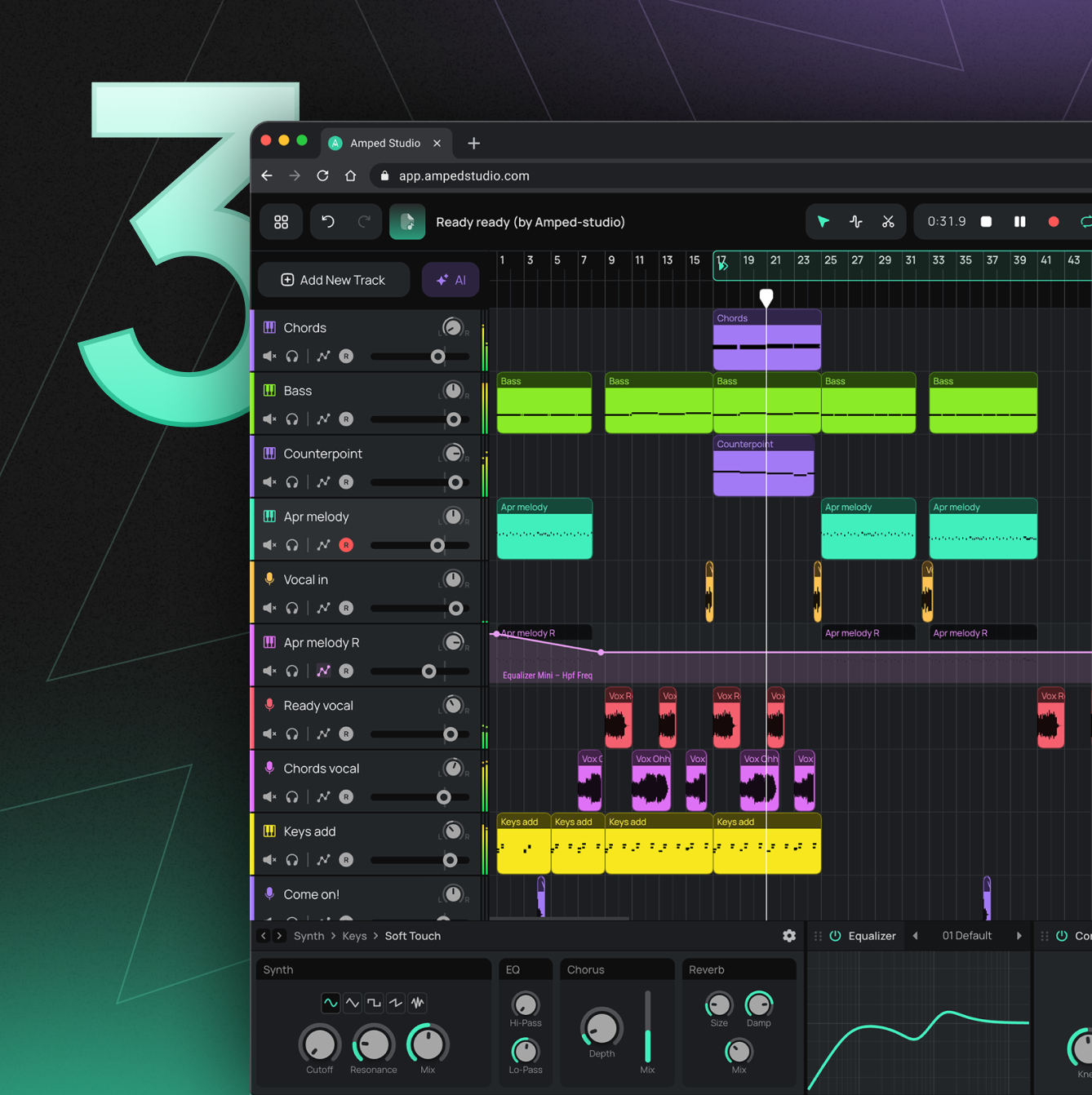
Discover a faster workflow and a modern design. Explore the latest features built to help you find inspiration and create music easily.


Super Presets
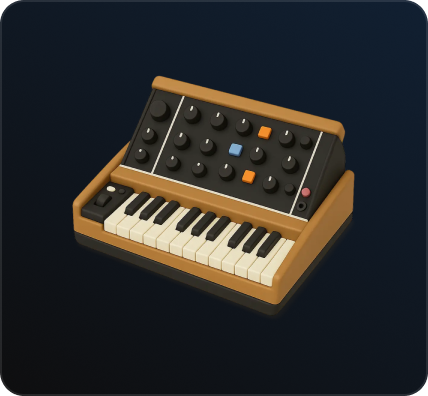
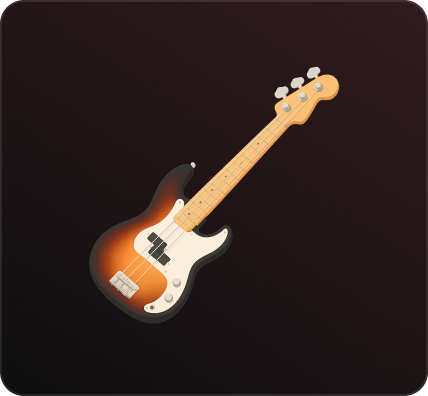
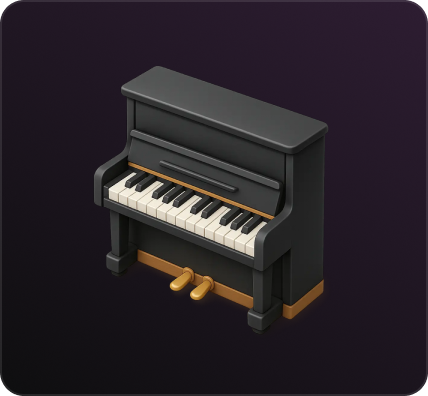
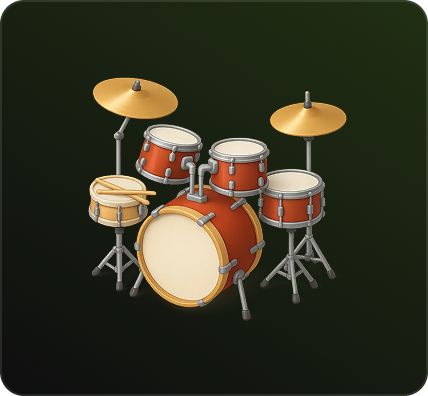
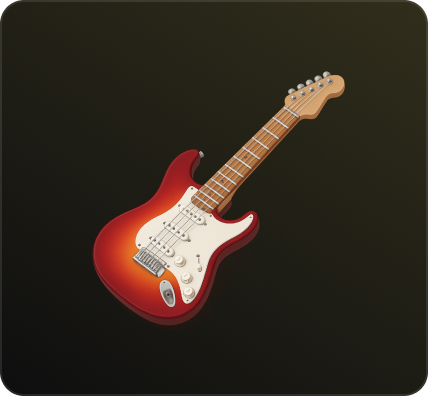
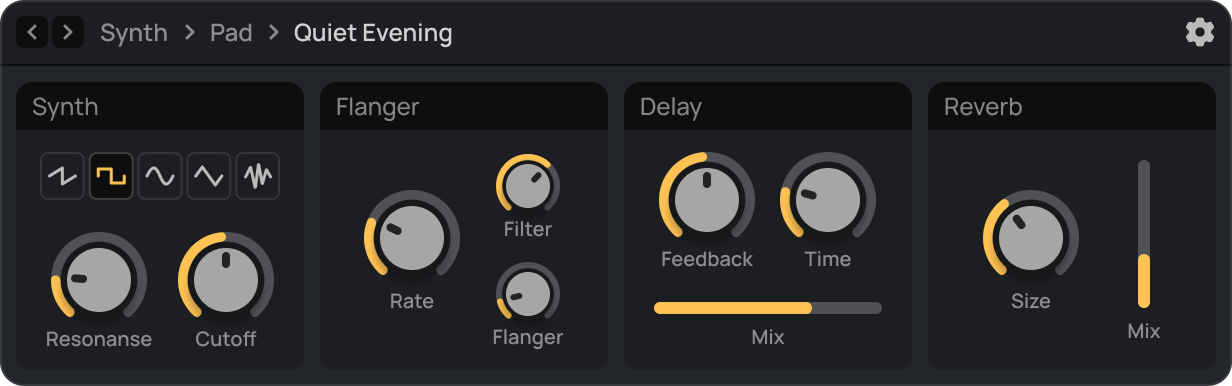
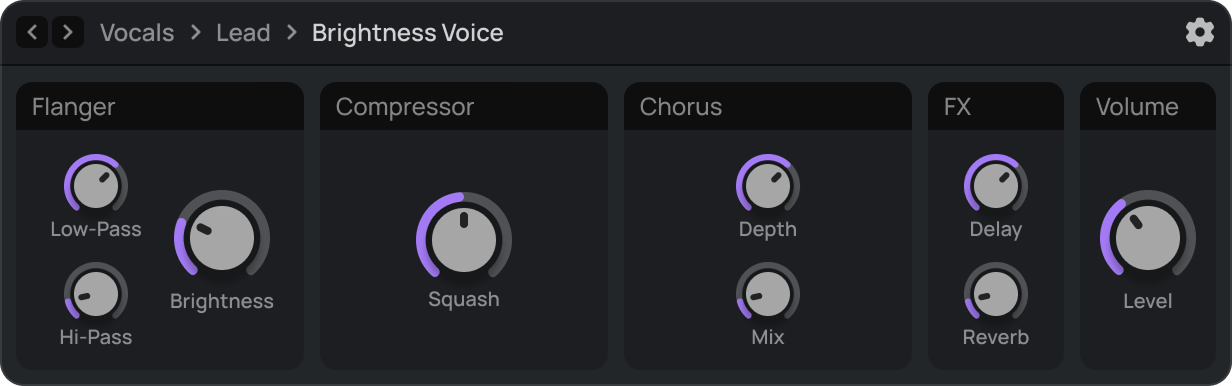
Load complete instrument and effect chains instantly. Control key sound characteristics in a unified panel. Focus on your music.
Learn MorePreset Browser
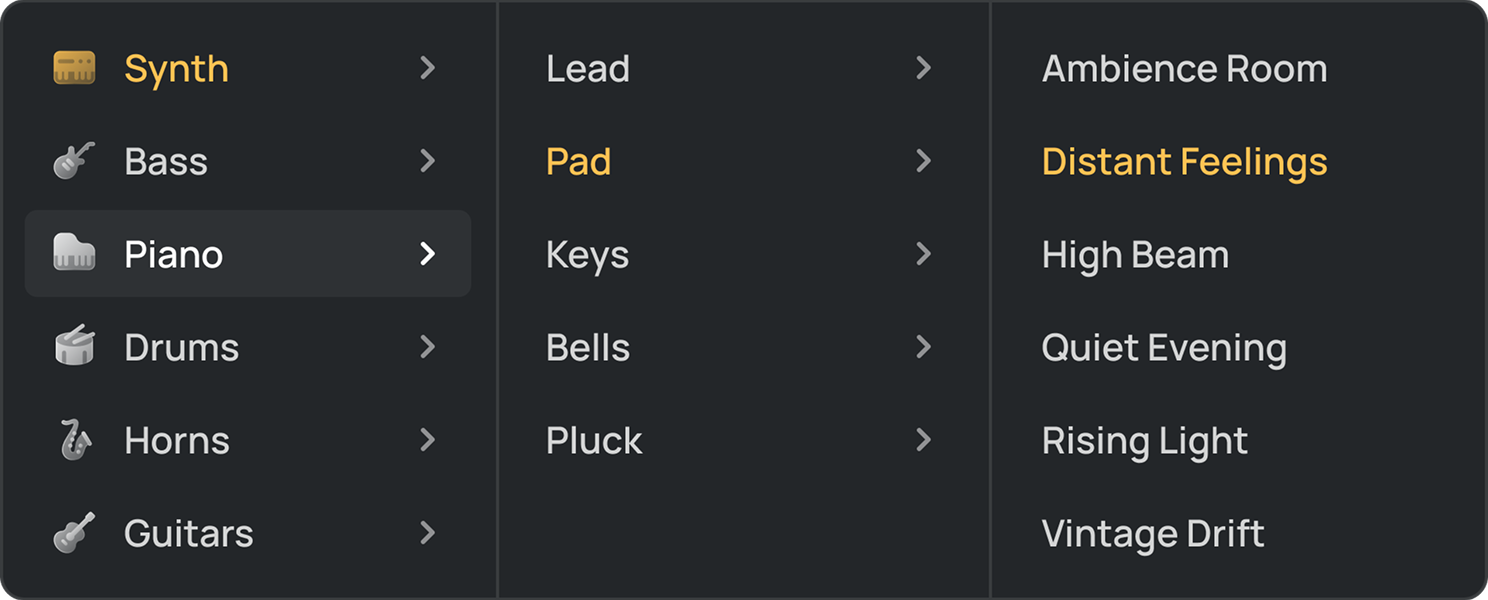
Find Your Sound Faster
Discover a clean way to navigate our sound library. Filter instruments by type to find inspiration immediately.


Parameters
Unified Control Panel
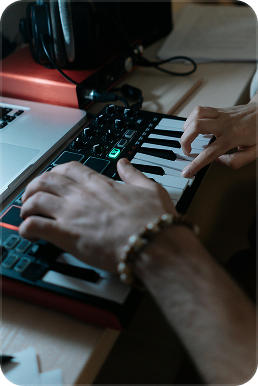
Control essential synth and effect settings in one window. Shape your sound without opening plugins.

AI Tools, Built In
Start a track from scratch, reshape a vocal, or pull stems from any song — no downloads, no plugins, just AI working inside your browser.
Try it free
AI Assistant
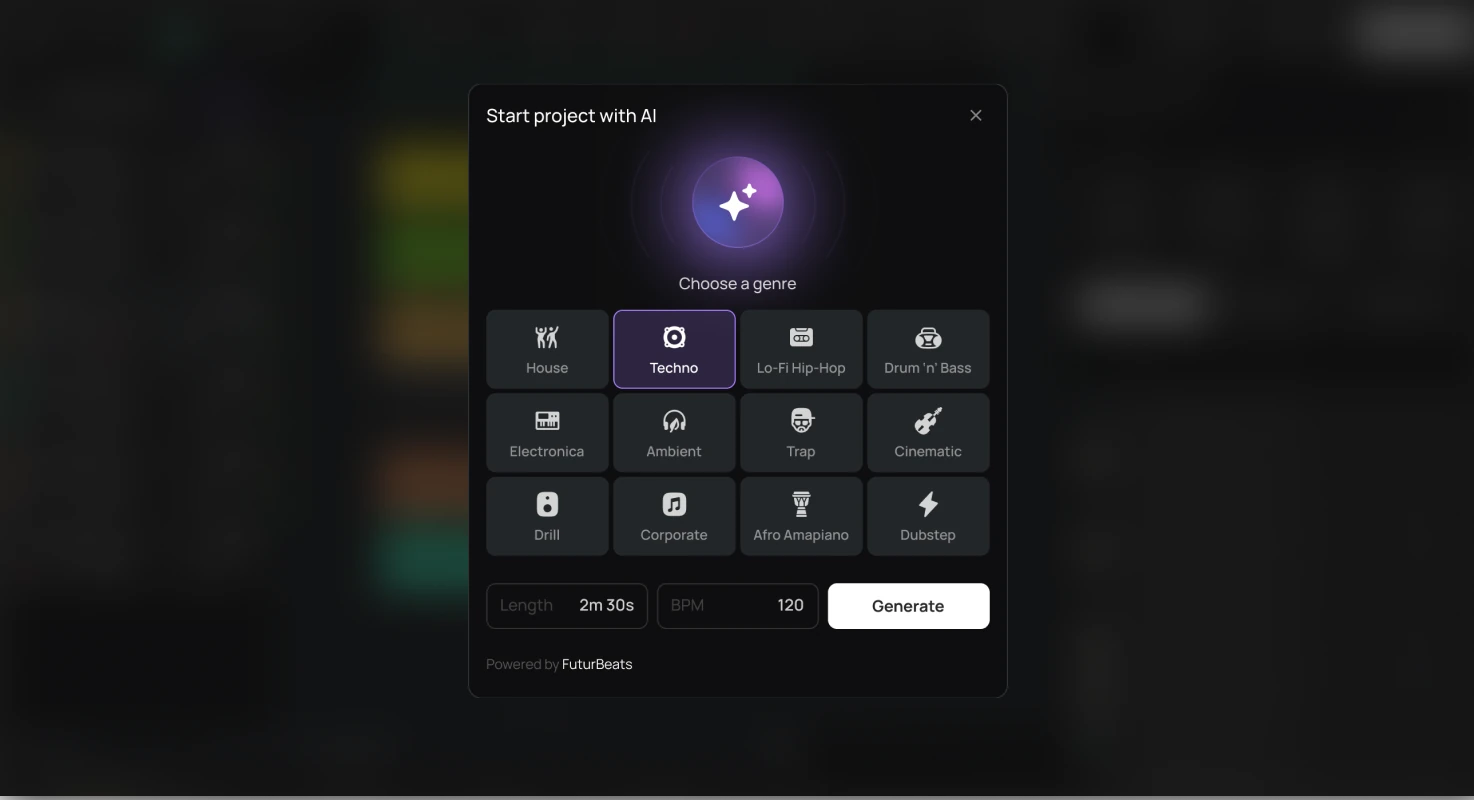
Start project with AI
Pick a genre and tempo — the AI generates a full arrangement with drums, bass, chords, and melody on separate tracks. Every track is fully editable — rearrange, replace, or add your own parts.

AI Splitter
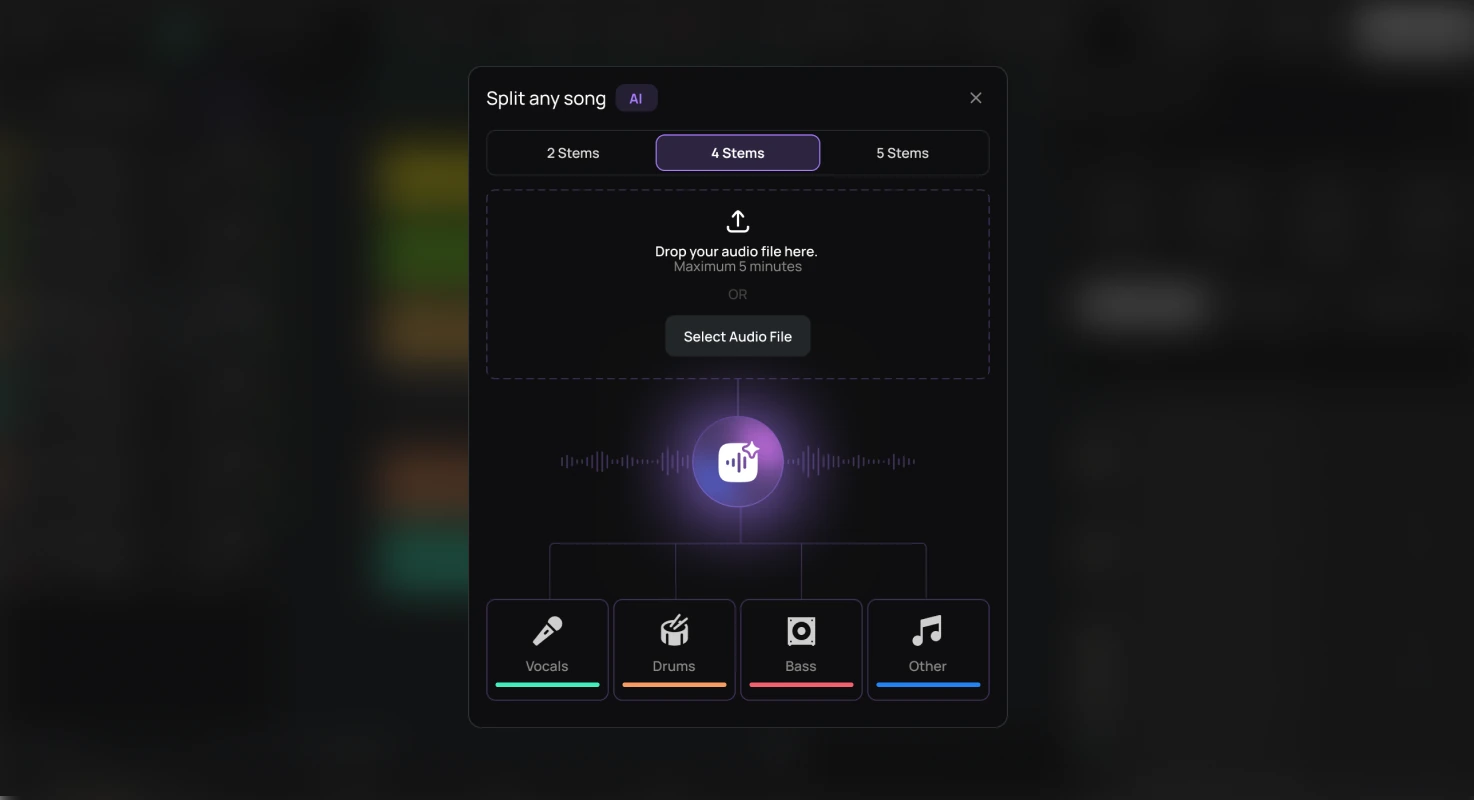
Split any song into stems
Separate any mixed audio file into individual tracks — vocals, drums, bass, and more. Select 2, 4, or 5 stems and get each part on its own track, aligned and ready to edit.
Amped Studio
Modern Workflow Updates
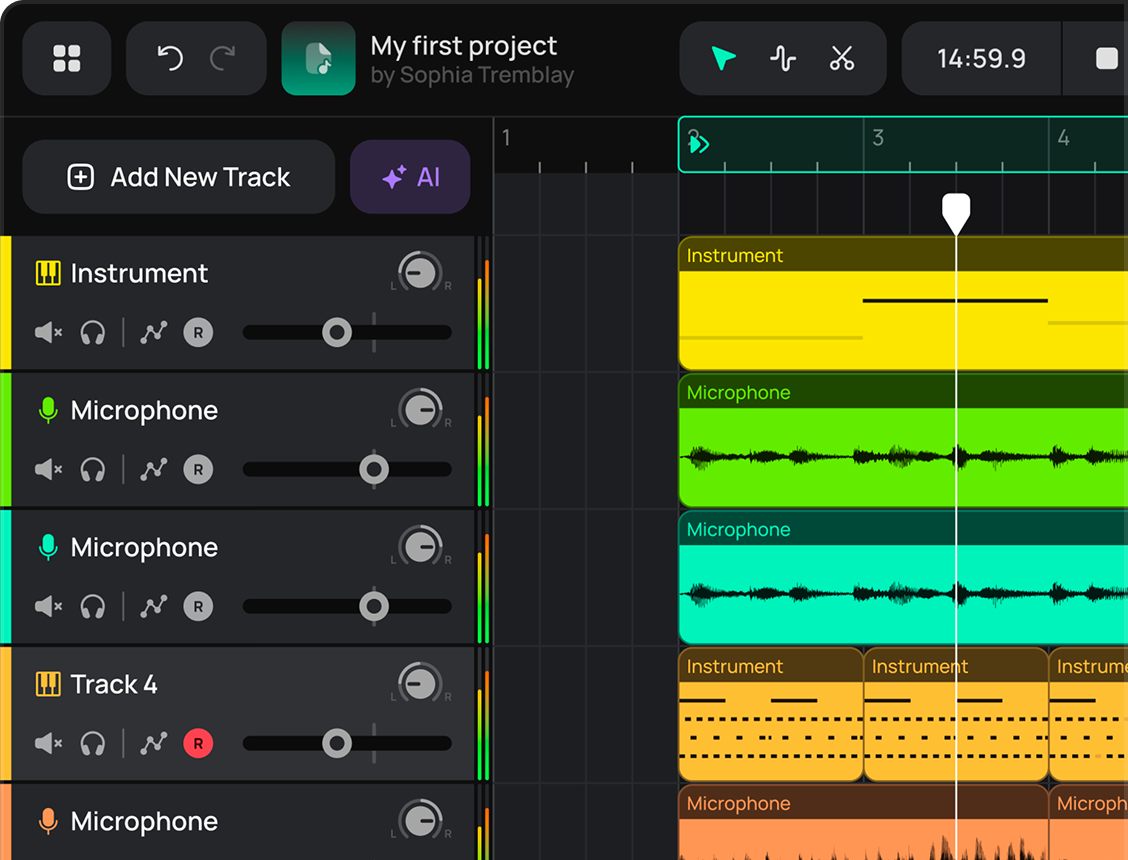
Experience a clean new look for tracks and editors. Our visual updates make production more intuitive for you.
Tracks
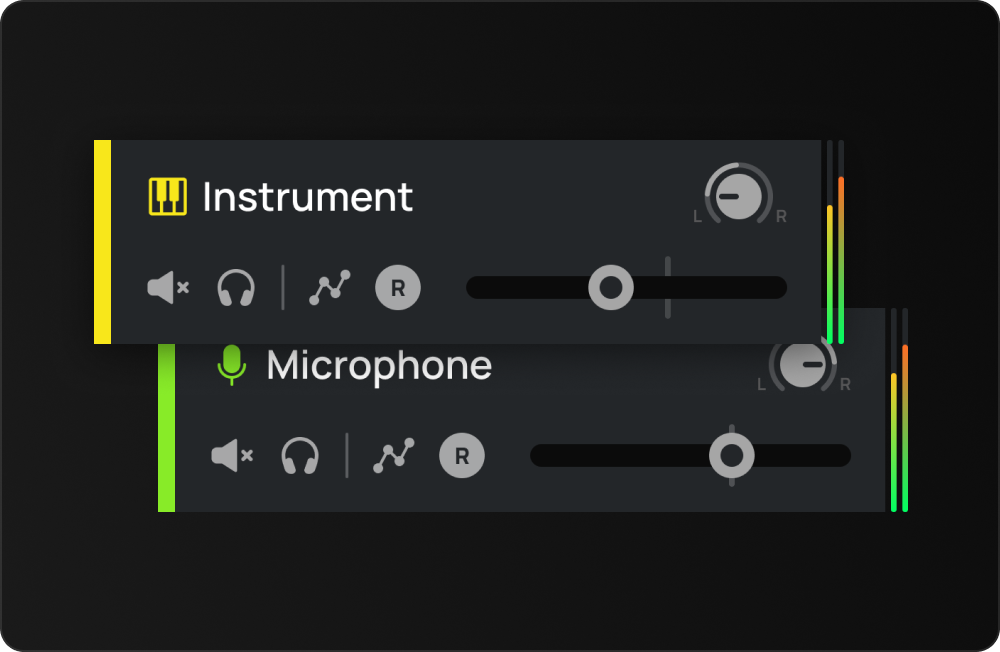
Integrated Track Headers
Monitor levels and panning directly in the track panel. Our interface update helps you balance sounds and mix projects fast.
Midi & Audio
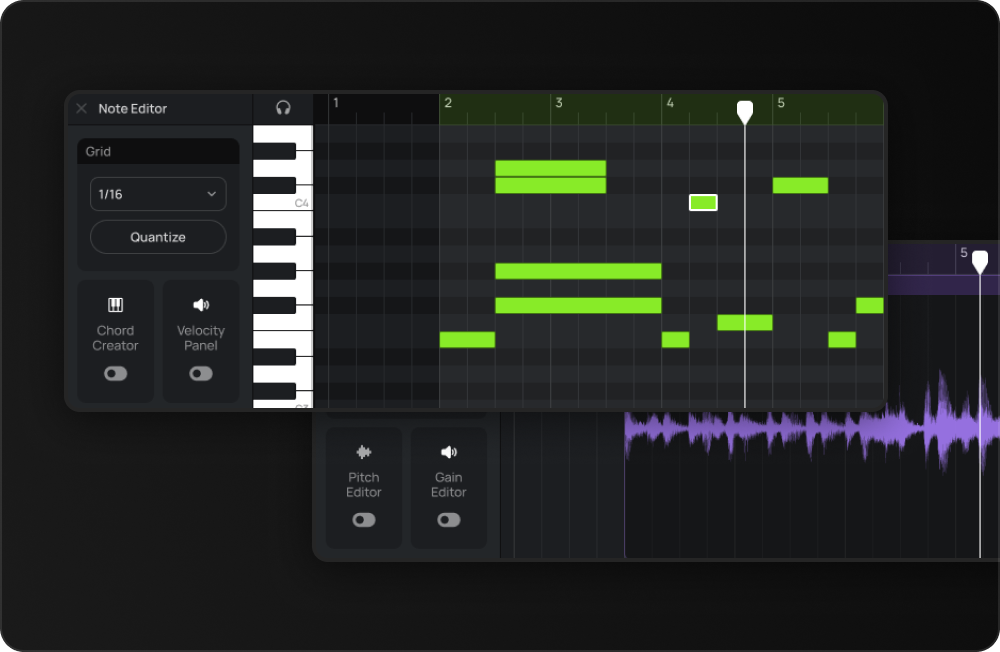
Refined Editing Tools
Edit MIDI and audio regions with high-precision tools. Our updated layout provides a closer view of every note.
Main Menu
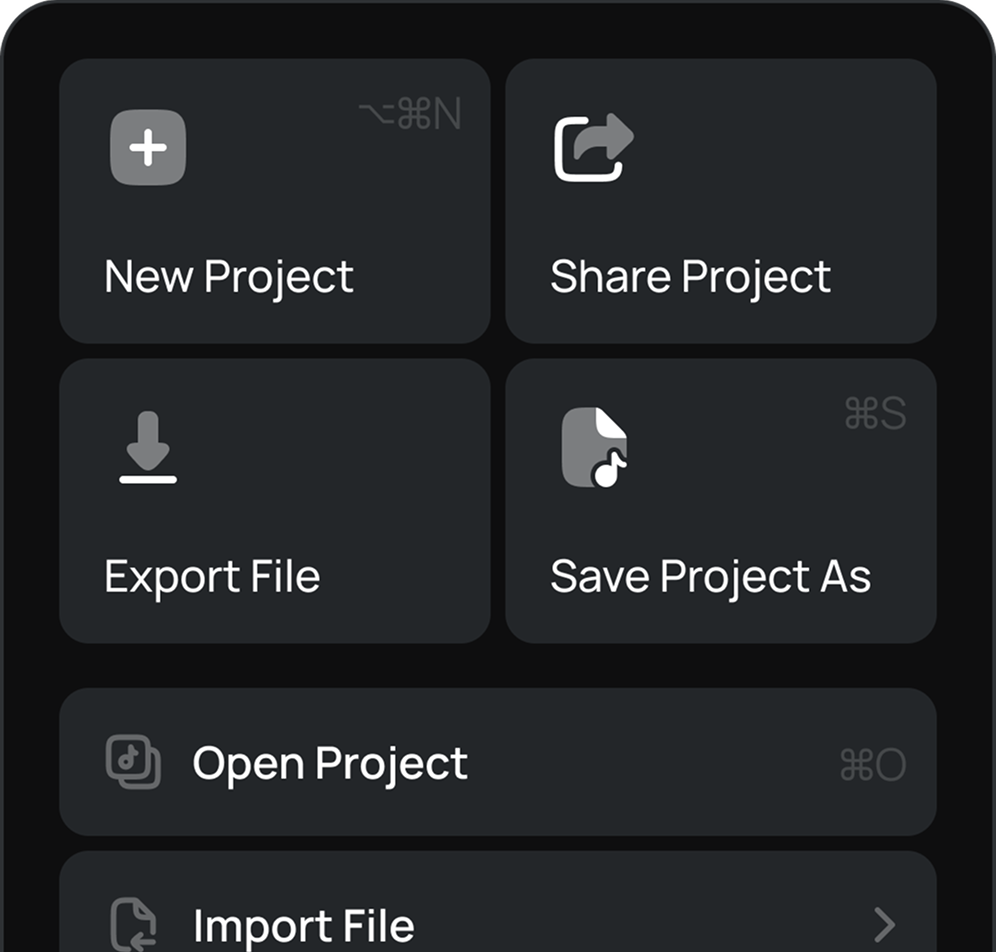
New Studio Main Menu
Access all project tools and AI features in one place. Manage your files and share tracks from a single menu.

Let's Try
Make Music
Online with
Amped Studio 3
Explore the latest studio updates. We combined a fresh design with tools built for inspiration.