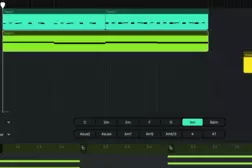
How to create house music with Amped Studio's AI Assistant?

ManualReading time: 1 min
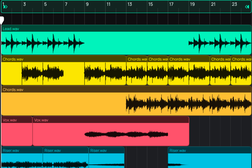
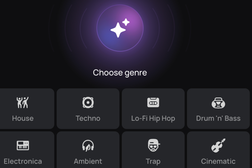
Learn how to create house music using Amped Studio's AI Assistant. This tutorial walks through selecting the house genre, setting tempo and duration, and generating a complete multi-track arrangement in seconds. You'll also see how to swap and edit the generated parts to shape the result into your own production. 
Related Tutorials

Manual

Sharing projects

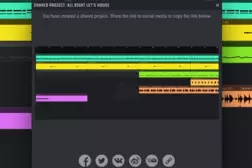
Learn how to share and collaborate on music projects in Amped Studio. This tutorial shows how to send a project link, receive contributions, and continue editing in the cloud.

Manual

MIDI Editor

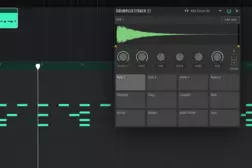
Learn how to create and edit MIDI in Amped Studio. This tutorial covers the note editor, recording, VST instruments, the Drumpler, and building a full arrangement.

Manual

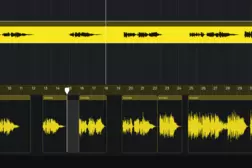
Audio Editor

Learn how to record, import, and edit audio in Amped Studio. This tutorial covers the audio editor, pitch shifting, fades, time-stretching, effects, and export.

Manual

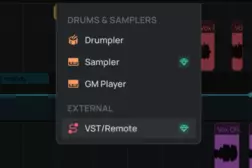
Using VST Plugins in Amped Studio

Use your own VST instruments and effects inside Amped Studio via VST Remote. Learn how to install, connect, and integrate VST plugins into your browser-based productions.