MIDI Editor

ManualReading time: 1 min
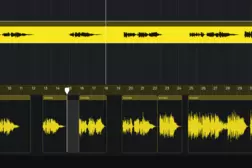
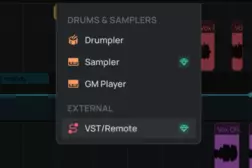
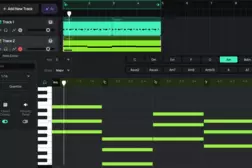
 Learn how to work with MIDI in Amped Studio. This tutorial walks through creating MIDI clips, writing notes by hand in the note editor, and recording parts using the computer keyboard or a connected MIDI controller. You'll also see how to load VST instruments via VST Remote, program drums with the Drumpler, and add effects like delay to individual tracks — finishing with a complete multi-instrument arrangement built entirely from MIDI. 
Related Tutorials

Manual

Sharing projects

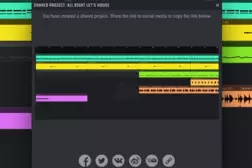
Learn how to share and collaborate on music projects in Amped Studio. This tutorial shows how to send a project link, receive contributions, and continue editing in the cloud.

Manual

Audio Editor

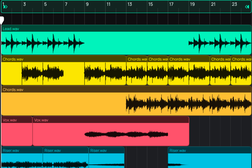
Learn how to record, import, and edit audio in Amped Studio. This tutorial covers the audio editor, pitch shifting, fades, time-stretching, effects, and export.

Manual

Using VST Plugins in Amped Studio

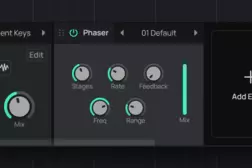
Use your own VST instruments and effects inside Amped Studio via VST Remote. Learn how to install, connect, and integrate VST plugins into your browser-based productions.

Manual

Chord Creator

Learn how to use Amped Studio's Chord Creator to build chord progressions inside the note editor. Pick a key, scale, and rhythm pattern — no music theory required.