Sharing projects

ManualReading time: 1 min
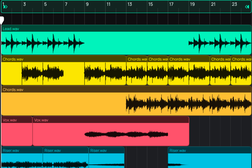
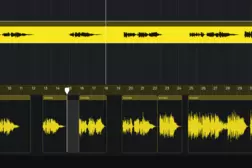
Learn how to collaborate on music projects in Amped Studio. This tutorial shows how to share a project via link, allowing another person to open it, add their parts, and send it back — without transferring any files. You'll see the full back-and-forth workflow: sharing the project, receiving the updated version through the Shared With Me section, and continuing to edit the combined result inside the studio. 
Related Tutorials

Manual

MIDI Editor

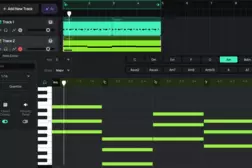
Learn how to create and edit MIDI in Amped Studio. This tutorial covers the note editor, recording, VST instruments, the Drumpler, and building a full arrangement.

Manual

Audio Editor

Learn how to record, import, and edit audio in Amped Studio. This tutorial covers the audio editor, pitch shifting, fades, time-stretching, effects, and export.

Manual

Using VST Plugins in Amped Studio

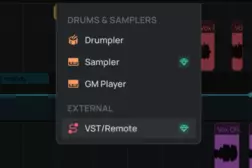
Use your own VST instruments and effects inside Amped Studio via VST Remote. Learn how to install, connect, and integrate VST plugins into your browser-based productions.

Manual

Chord Creator

Learn how to use Amped Studio's Chord Creator to build chord progressions inside the note editor. Pick a key, scale, and rhythm pattern — no music theory required.