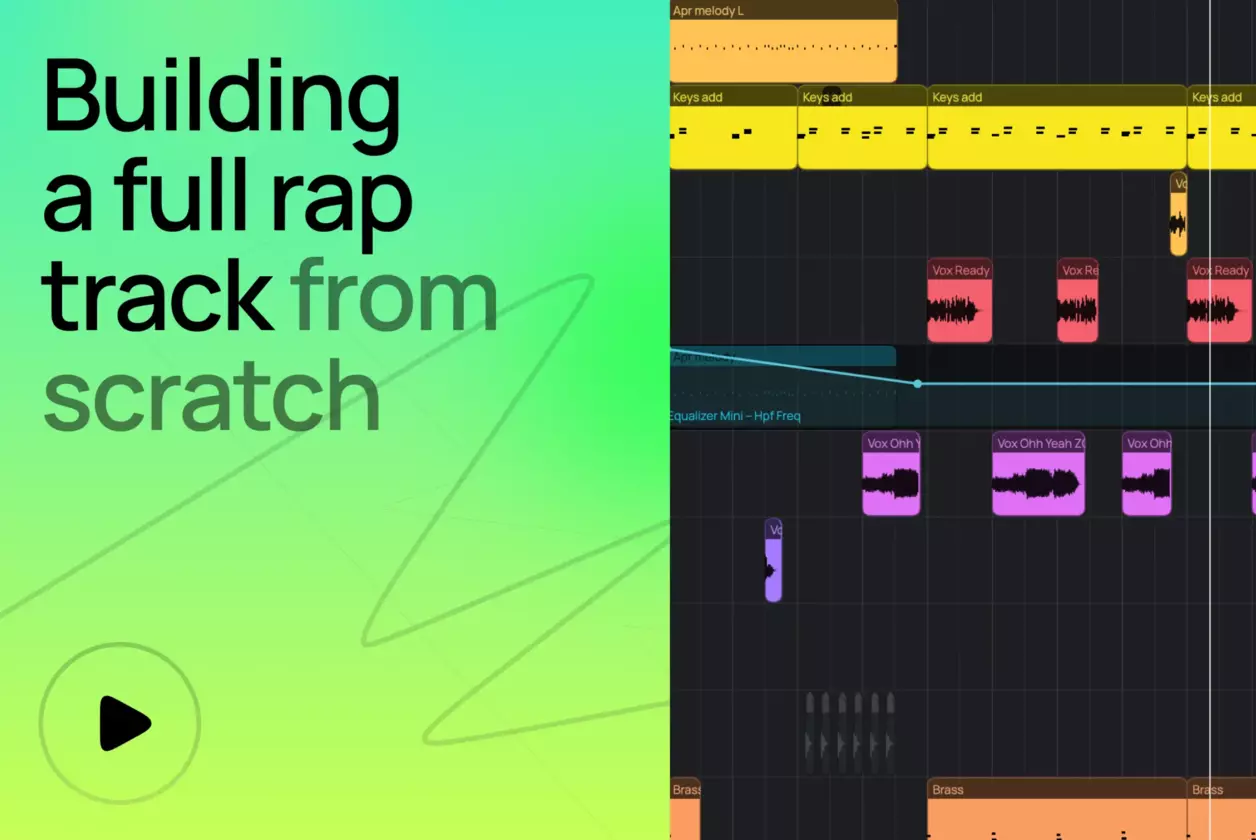
<turbo-stream action="append" target="articles_grid"><template><a class="relative flex flex-col justify-end pb-8 rounded-xl border border-amped-border overflow-hidden col-span-1 md:col-span-2 hover:opacity-95 transition bg-amped-black min-h-[380px] lg:min-h-[420px]" data-turbo="false" href="/blog/how-to-make-a-rap-beat-in-your-browser/"><img alt="How to Make a Rap Beat in Your Browser" class="absolute inset-0 w-full h-full object-cover" loading="lazy" src="https://d2dsarr59elxj9.cloudfront.net/articles/how-to-make-a-rap-beat-in-your-browser/image_processing20260522-1-1d9arpo.webp" /><div class="absolute inset-0 bg-gradient-to-b from-transparent via-black/65 to-black"></div><div class="relative flex flex-col px-6 gap-y-4"><div class="flex flex-col gap-y-3"><div class="self-start inline-flex items-center justify-center px-2 rounded text-xs font-bold pt-1 pb-1.5 leading-[1.3] gap-2.5 text-[#F6723A] bg-[#462213]">Tutorial</div><h3 class="text-2xl font-semibold text-white line-clamp-3 leading-[1.3]">How to Make a Rap Beat in Your Browser</h3></div><p class="text-base line-clamp-2 text-white opacity-50 leading-[1.5]">Making a rap beat is simple with the right tools. This step-by-step guide walks you through building a full rap beat in Amped Studio — arrange, master, and export online.</p></div></a><a class="flex flex-col bg-white rounded-xl border border-amped-border overflow-hidden hover:opacity-90 transition" data-turbo="false" href="/blog/song-recording/"><img onerror="this.onerror=null; this.src=&#39;https://static.ampedstudio.com/assets/projects/project-2bc6854ec0a1dc96655de945597a5c3571e4eb96c26cbb1d6917032eb52ca6ba.png&#39;;" alt="How to Record Songs Online: A Beginner&#39;s Guide" class="w-full h-42 object-cover" loading="lazy" src="https://d2dsarr59elxj9.cloudfront.net/articles/song-recording/image_processing20251120-1-1py5fjc.webp" /><div class="flex flex-col pb-8 px-6 gap-y-4 pt-6"><div class="flex flex-col gap-y-3"><div class="self-start inline-flex items-center justify-center px-2 rounded text-xs font-bold pt-1 pb-1.5 leading-[1.3] gap-2.5 text-amped-orange bg-amped-orange/10">Tutorial</div><h3 class="text-2xl font-semibold text-amped-black line-clamp-3 leading-[1.3]">How to Record Songs Online: A Beginner&#39;s Guide</h3></div><p class="text-base line-clamp-3 text-amped-black/50 leading-[1.5]">Explore how to use Amped Studio as a song recorder in this step-by-step guide. Record songs online for free in a powerful online music studio built for creators. </p></div></a><a class="flex flex-col bg-white rounded-xl border border-amped-border overflow-hidden hover:opacity-90 transition" data-turbo="false" href="/blog/ai-assistant/"><img onerror="this.onerror=null; this.src=&#39;https://static.ampedstudio.com/assets/projects/project-2bc6854ec0a1dc96655de945597a5c3571e4eb96c26cbb1d6917032eb52ca6ba.png&#39;;" alt="AI Assistant: Amped Studio&#39;s Multitrack AI Music Generator Explained" class="w-full h-42 object-cover" loading="lazy" src="https://d2dsarr59elxj9.cloudfront.net/articles/ai-assistant/image_processing20251231-1-dnkn3g.webp" /><div class="flex flex-col pb-8 px-6 gap-y-4 pt-6"><div class="flex flex-col gap-y-3"><div class="self-start inline-flex items-center justify-center px-2 rounded text-xs font-bold pt-1 pb-1.5 leading-[1.3] gap-2.5 text-amped-orange bg-amped-orange/10">Tutorial</div><h3 class="text-2xl font-semibold text-amped-black line-clamp-3 leading-[1.3]">AI Assistant: Amped Studio&#39;s Multitrack AI Music Generator Explained</h3></div><p class="text-base line-clamp-3 text-amped-black/50 leading-[1.5]">Amped Studio&#39;s AI Assistant generates editable AI stems in your browser. Free AI music generator with multitrack output. Create, edit, export — no downloads.</p></div></a><a class="flex flex-col bg-white rounded-xl border border-amped-border overflow-hidden hover:opacity-90 transition" data-turbo="false" href="/blog/audio-normalization/"><img onerror="this.onerror=null; this.src=&#39;https://static.ampedstudio.com/assets/projects/project-2bc6854ec0a1dc96655de945597a5c3571e4eb96c26cbb1d6917032eb52ca6ba.png&#39;;" alt="Audio normalization" class="w-full h-42 object-cover" loading="lazy" src="https://d2dsarr59elxj9.cloudfront.net/articles/audio-normalization/image_processing20251224-1-losvy9.webp" /><div class="flex flex-col pb-8 px-6 gap-y-4 pt-6"><div class="flex flex-col gap-y-3"><div class="self-start inline-flex items-center justify-center px-2 rounded text-xs font-bold pt-1 pb-1.5 leading-[1.3] gap-2.5 text-amped-orange bg-amped-orange/10">Tutorial</div><h3 class="text-2xl font-semibold text-amped-black line-clamp-3 leading-[1.3]">Audio normalization</h3></div><p class="text-base line-clamp-3 text-amped-black/50 leading-[1.5]">Turn Your Voice into a Synth or a Drum with HumBeatz</p></div></a><a class="flex flex-col bg-white rounded-xl border border-amped-border overflow-hidden hover:opacity-90 transition" data-turbo="false" href="/blog/what-is-harmony-in-music/"><img onerror="this.onerror=null; this.src=&#39;https://static.ampedstudio.com/assets/projects/project-2bc6854ec0a1dc96655de945597a5c3571e4eb96c26cbb1d6917032eb52ca6ba.png&#39;;" alt="Music Theory Basics: Understanding Intervals, Scales, and Keys" class="w-full h-42 object-cover" loading="lazy" src="https://d2dsarr59elxj9.cloudfront.net/articles/what-is-harmony-in-music/image_processing20251224-1-8u16tb.webp" /><div class="flex flex-col pb-8 px-6 gap-y-4 pt-6"><div class="flex flex-col gap-y-3"><div class="self-start inline-flex items-center justify-center px-2 rounded text-xs font-bold pt-1 pb-1.5 leading-[1.3] gap-2.5 text-amped-orange bg-amped-orange/10">Tutorial</div><h3 class="text-2xl font-semibold text-amped-black line-clamp-3 leading-[1.3]">Music Theory Basics: Understanding Intervals, Scales, and Keys</h3></div><p class="text-base line-clamp-3 text-amped-black/50 leading-[1.5]">The fundamental unit of harmony is the interval, which is defined as the difference in semitones between two musical notes.</p></div></a><a class="flex flex-col bg-white rounded-xl border border-amped-border overflow-hidden hover:opacity-90 transition" data-turbo="false" href="/blog/useful-tutorials-to-get-started-with-amped-studio/"><img onerror="this.onerror=null; this.src=&#39;https://static.ampedstudio.com/assets/projects/project-2bc6854ec0a1dc96655de945597a5c3571e4eb96c26cbb1d6917032eb52ca6ba.png&#39;;" alt="Helpful Tutorials to Get Started with Amped Studio" class="w-full h-42 object-cover" loading="lazy" src="https://d2dsarr59elxj9.cloudfront.net/articles/useful-tutorials-to-get-started-with-amped-studio/image_processing20251209-1-1nuf98r.webp" /><div class="flex flex-col pb-8 px-6 gap-y-4 pt-6"><div class="flex flex-col gap-y-3"><div class="self-start inline-flex items-center justify-center px-2 rounded text-xs font-bold pt-1 pb-1.5 leading-[1.3] gap-2.5 text-amped-orange bg-amped-orange/10">Tutorial</div><h3 class="text-2xl font-semibold text-amped-black line-clamp-3 leading-[1.3]">Helpful Tutorials to Get Started with Amped Studio</h3></div><p class="text-base line-clamp-3 text-amped-black/50 leading-[1.5]">New to Amped Studio? Here is a selection of interesting tutorials that will help you get acquainted with the main features of the Studio.</p></div></a><a class="flex flex-col bg-white rounded-xl border border-amped-border overflow-hidden hover:opacity-90 transition" data-turbo="false" href="/blog/how-to-use-vst-plugins-inside-amped-studio/"><img onerror="this.onerror=null; this.src=&#39;https://static.ampedstudio.com/assets/projects/project-2bc6854ec0a1dc96655de945597a5c3571e4eb96c26cbb1d6917032eb52ca6ba.png&#39;;" alt="How to use VST plugins inside Amped Studio" class="w-full h-42 object-cover" loading="lazy" src="https://d2dsarr59elxj9.cloudfront.net/articles/how-to-use-vst-plugins-inside-amped-studio/image_processing20251202-1-uk3g8.webp" /><div class="flex flex-col pb-8 px-6 gap-y-4 pt-6"><div class="flex flex-col gap-y-3"><div class="self-start inline-flex items-center justify-center px-2 rounded text-xs font-bold pt-1 pb-1.5 leading-[1.3] gap-2.5 text-amped-orange bg-amped-orange/10">Tutorial</div><h3 class="text-2xl font-semibold text-amped-black line-clamp-3 leading-[1.3]">How to use VST plugins inside Amped Studio</h3></div><p class="text-base line-clamp-3 text-amped-black/50 leading-[1.5]">We are glad to announce the new tutorial on how to use VST plugins inside Amped Studio. Video also covers audio and MIDI files in the Library.</p></div></a></template></turbo-stream><turbo-stream action="replace" target="load_more_button"><template><div class="flex justify-center mt-14" id="load_more_button"></div></template></turbo-stream>